Reference for C900 users
Welcome to the our studio. Here are answers to all your questions and info on the use and maintenance of this shared creative space.
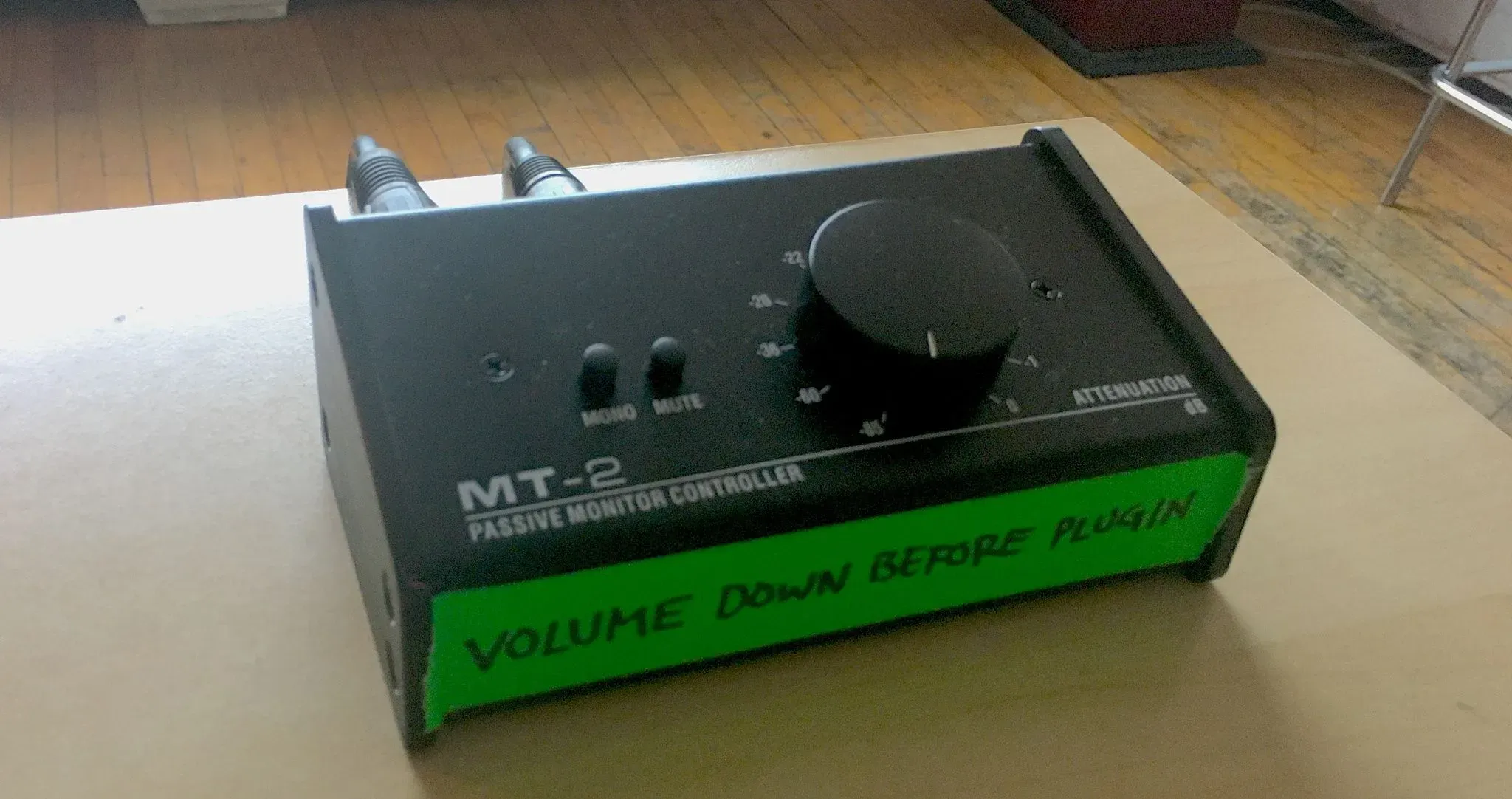
Input from laptops and other sources
Please use this box to input other sources: it accepts XLR, TRS, 1/4" and 1/8" stereo and goes to the "Return A" input of the Xone 96 DJ mixer, first fader on the left. You may need to make sure rotary selector on that channel is set to "Ret A". (If there is a backup mixer in place, please see "Mixers" page for info.)
Please make sure to turn the volume all the way down when connecting / disconnecting: rotate to the left - that "attenuation" numbering is counterinuitive!
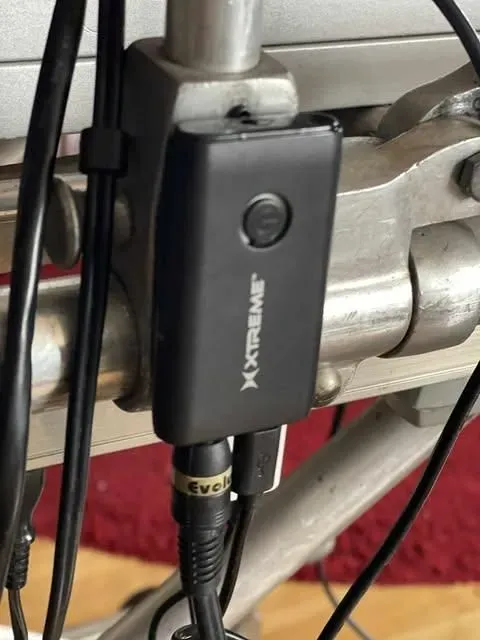
Bluetooth receiver
Press and hold the round button until both LEDs flash alternately, telling you it's in pairing mode. Look for the intuitively-named XBA9-1017-BLK device in your computer / phone's bluetooth menu and choose it for pairing. The blue light will slowly pulse. The 1/8" stereo wire goes to the Line input of channel 1 of the Xone 96 DJ mixer. (If there is a backup mixer in place, please see "Mixers" page for info.)
You may need change the rotary input selector on channel 1 to LN:
Door Access
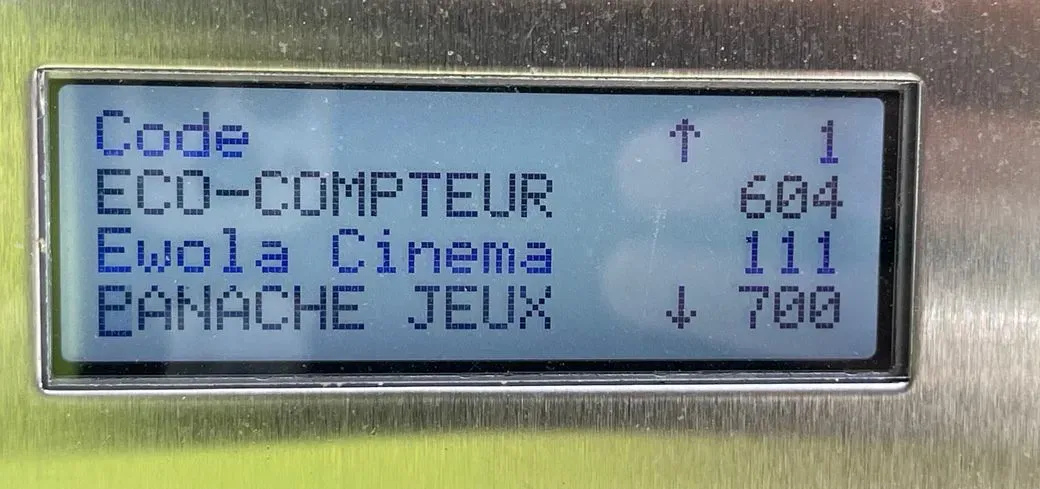
Panel at entrance
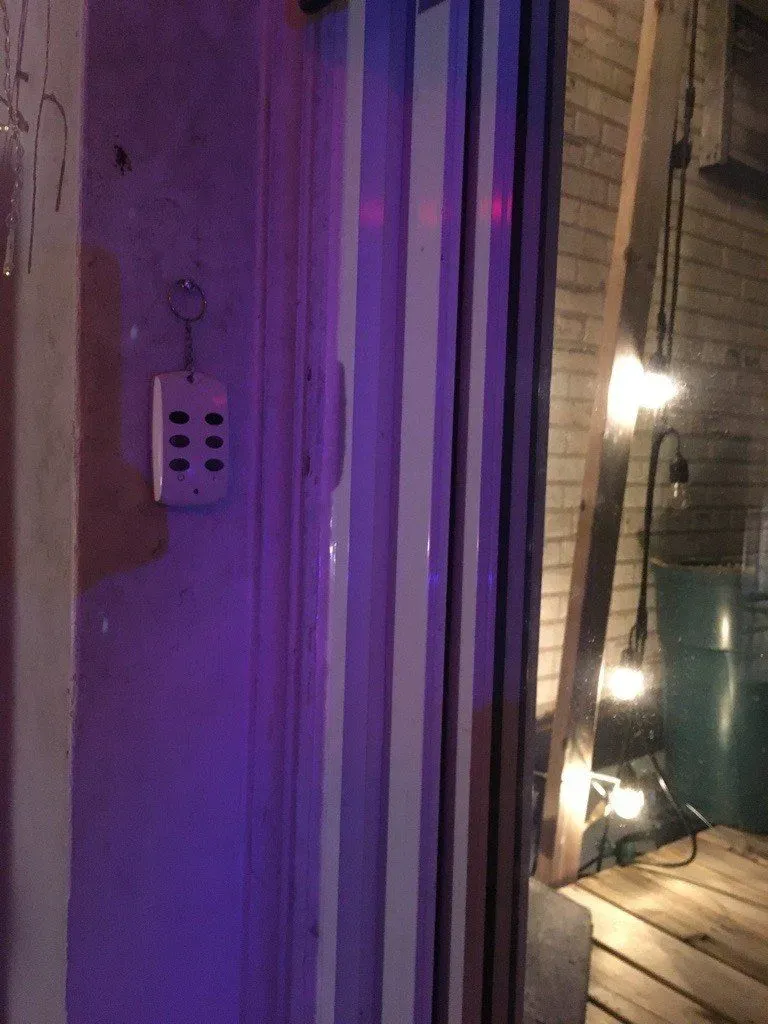
To let someone in outside of weekday business hours, have them scroll to Ewola Cinema on the entry panel or dial 900, pressing the little green receiver icon button.
When the studio phone rings you press "9" to buzz them in.
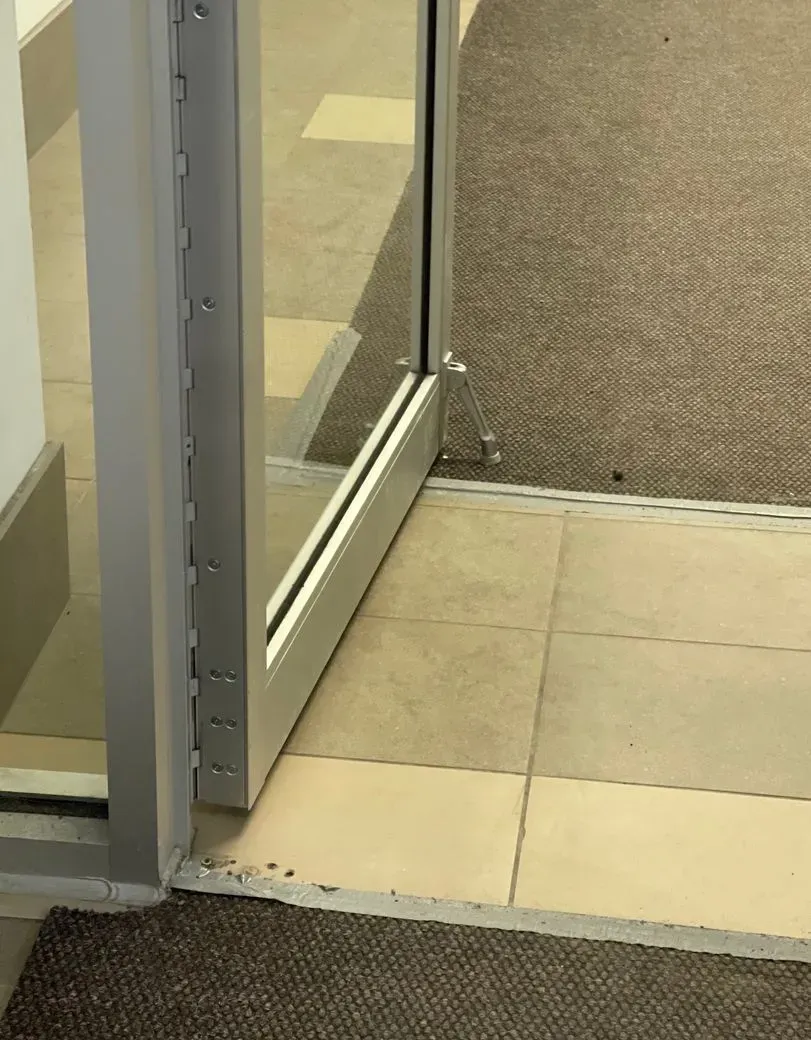
Second door
The ground floor second door does not work yet: it doesn't respond to being buzzed. Leave it open with the little kickstand if you're expecting people.
This is unnecessary between 7am and 6pm on weekdays since the building is open.
Lighting
Google Calendar booking rules
If you cancel less than 24 hours before your reserved session
Please inform the other members immediately via our Discord and Messenger groups so that the slot doesn't go to waste.
If you have used your slot for the week but you see an opening less than 24 hours from now
Go ahead and book it. We don't want the studio to go to waste, and we're not counting the hours.
If you book a session and don't show up
If you did not inform the collective that you cancelled, you will lose the ability to book for the next week. It is crucial that you keep the others informed - it's not fair to waste a session, a number of users are always ready to book last-minute.
If you really need a certain timeslot and it's already booked
Contact the other member directly to see if they're open to moving theirs. There's a link to our contact list at the very bottom of this page.
IPhone users: be sure to refresh calendar
Depending on your settings, the Calendar app is slow to refresh, and this might mean C900 looks free when actually it's been booked already (or vice versa): your calendar just hasn't updated recently enough. Before booking, force a refresh in the Calendar app by tapping the Calendars tab (exclamation point in a circle) at the bottom, and swipe down on the list to force a manual sync. Presto! No conflicts and possible fresh new availibility!
Frequently Asked Questions
How do I turn the DJ equipment on / off?
Please make sure all speakers are off before you turn on the mixer. Once the mixer is on, you can turn all the speakers on by the power bar at your feet labelled "Toutes les speakerz d'une shotte". When shutting down, do the reverse: turn the speakers power bar off before turning off the mixer, to avoid loud pops / spikes that could cause damage. The XDJs and turntables can be turned on/off whenever, as long as their channel faders are down. Please leave all faders down by default when you leave, including the A (Big Knob) and B (Mic) ones on the left.
What is the WiFi password?
"fullpleinelune" on the Ewola C900 network
What's included in my membership?
If you're paying the lower tier of membership, you get to book one work session a week, but if you see an additional opening in less than 24hrs, you can grab that too. Higher tier members get to leave a bit of unshared equipment in the studio and book more than once a week. Your bookings are for creative work sessions only, not social events, please.
How far in advance can I book a session?
Please do not book more than two weeks in advance, so as to leave others a chance to book. If you have a hard date you want to book well in advance, please note "To Be Confirmed" on your booking in the calendar and it will be saved if not in conflict with other scheduling, but it can't be guaranteed.
I need to contact another member
Need to swap bookings or share equipment but don't have the phone number of your fellow member? Here's a link to our contact list, which also shows who has keys and fobs to C900 and / or 303.
Can I lend my key and code to a collaborator?
Absolutely not. Anyone sharing their key and door code with anyone else, including another member, will immediately lose access. Of course you are allowed collaborators, but they must enter and leave with you.
Can I have a party in this space?
Parties are not included with your membership, and "afters" in particular are totally not allowed. If you want to rent the space for a party or any form of social event, it's possible but you have to make arrangements with Mark.
How do I get onto the roof deck?
With the key on the "Adidas" black strap, which should be hanging on the back of the entrance door, with an additional key for other bathrooms. The strap also has a key to the elevator machine room and the lock on the fire escape: keep it with you at all times when you are on the roof: if the wind blows the door shut behind you, you need the key to get back into the building.
Are other people allowed on the roof?
No. Just us and cell phone, air conditioner and elevator technicians. If you see someone on the roof doing other stuff (taking fashion photos, etc) and they say they're allowed because they're from the building, it's a lie; I have an agreement with the landlord. Call me and I'll be the bad cop. If it's creepy people late at night with cans of graffiti shit, call the cops directly if you can't reach me.
Can I change the wiring?
We've already set up convenient ways for you to plug in (see the big knob thing on the central desk) so please use that: if for any reason you change a patch PUT IT BACK THE WAY IT WAS before you leave so the next person can work without issue. There's even a patch map if you don't remember how it was: (Thank you, Mourad!)
Can I open the windows?
Yes, but not the southern one near the deck: its mechanism is broken. Please leave them closed while running the air conditioner, and make sure all windows are locked when you leave.
Can I turn off the air conditioner?
Yes of course: there's even a remote to do so, probably on the record shelf beside the DJ station. Please do not mess with the settings, just turn it on or off as you wish. But always remember to turn it back on when you leave, no matter how cold it is at night: the next day, the sun will heat the place up and make it uncomfortable for the next member, so leave it on and its thermostat will kick in when appropriate. Thank you!
Can I smoke / vape / burn incense in the studio?
No. Please do so outside. And not in the stairs, the airflow will just suck it into the space.
Can I use the drums?
Yes. If you change a setting (seat height, snare height, etc) please put it back when you're finished. And please remember to turn off the snares when you leave.
Can I use the projector and surround sound system?
It is not included with your membership. If you need it for a special project, arrangements can be made with Mark. Absolutely do not try to plug into it or change any settings.
There is a second projector and screen, set up between the DJ speakers: That one is free to use at any time: see button below.
The internet seems to be not working...
Do not touch the modem and router under any circumstances: call Mark. Seriously: if you touch it, you're out. All our security depends on that stuff.
Where do we put recycling and returnable cans?
The recycling is in the kitchen next to the stove but behind the garbage. The round metal bin next to the window is only for returnables please. Replacement bags are under the sink. If you don't want to return cans to Consignaction, you can leave the separate bag of cans in the parking lot, next to the recycle bin, and someone will pick them up.
The garbage / recycling is getting full
Please take the bag to the appropriate dumpster behind the building on your way out. Fresh bags are under the sink: please use transparent ones for the "returnable cans" bin - not blue, because it causes confusion and people put the wrong stuff in. Thank you!
We're running out of toilet paper / water / paper towel...
Please be a good community member and go get some at the Pharmaprix next door. Of course we'll refund you.
How do I let someone in outside of business hours?
Have them scroll to Ewola Cinema on the entry panel (see pics below) or dial 900, then when the studio phone rings you press "9" to buzz them in. (Note: second door does not work yet: leave it held open with the kickstand if you're expecting people) This is unnecessary between 7am and 6pm on weekdays since the building is open.
How come this light is not going on / off with the control at the door?
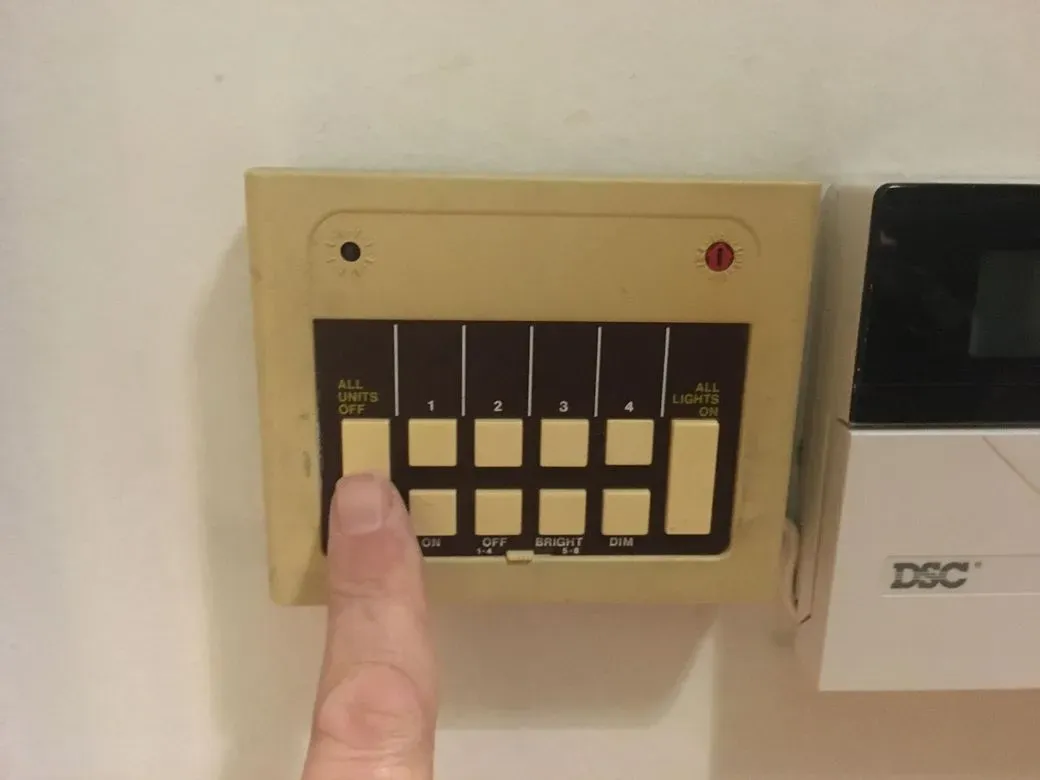
If a light is not responding to the main controller at the entrance to the studio, somebody probably turned it of manually at the source: just flick it off and on again and it will be fine. Leave all those switches on so that they light up for the next person.
Sometimes the glowing light under the DJ stretcher does not turn off: you can ignore it and leave it on.
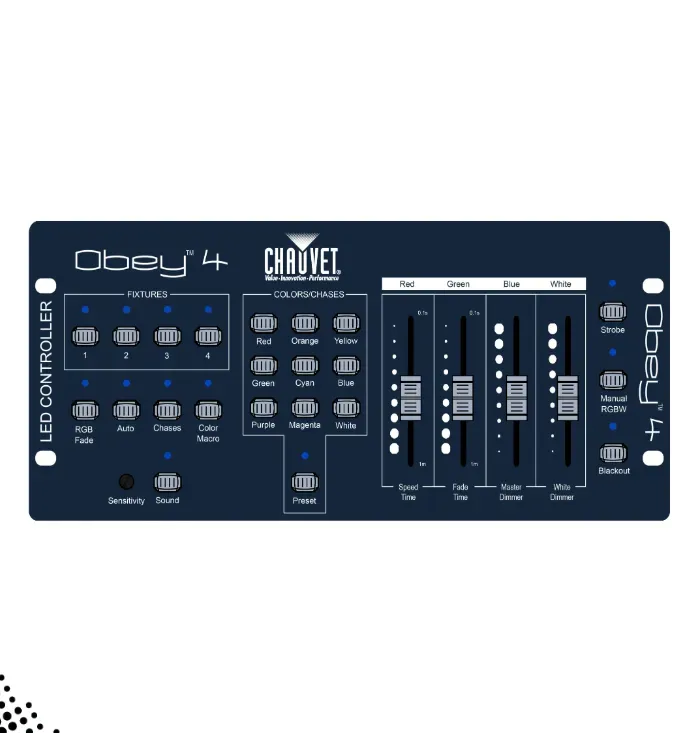
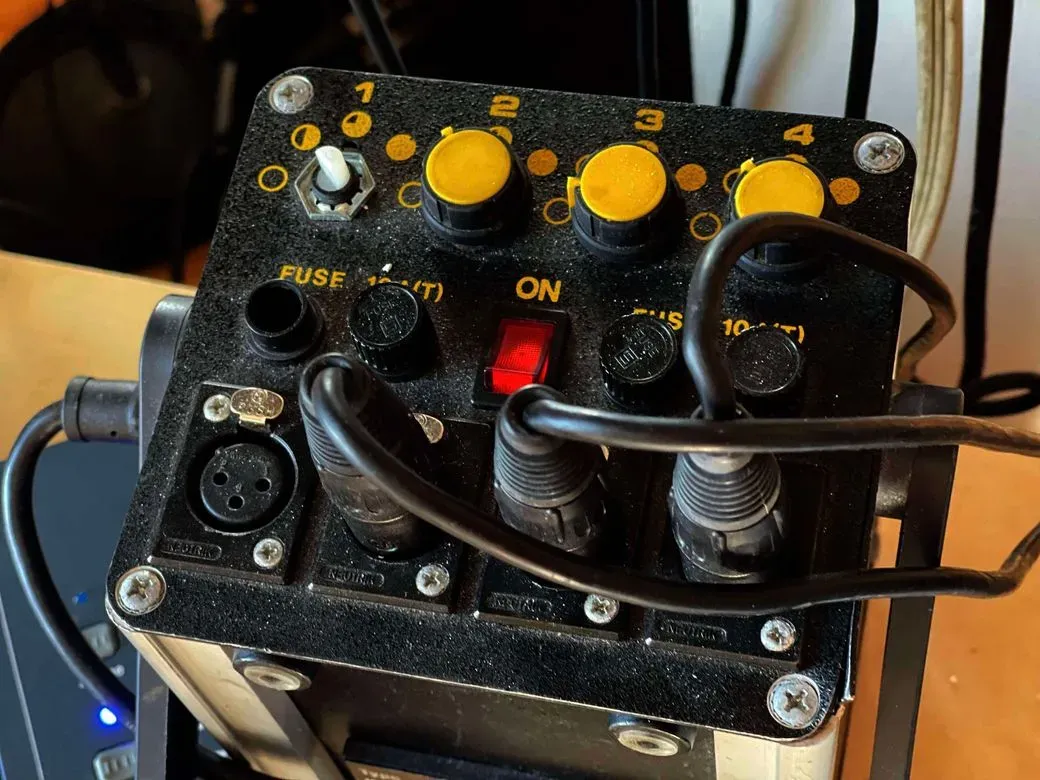
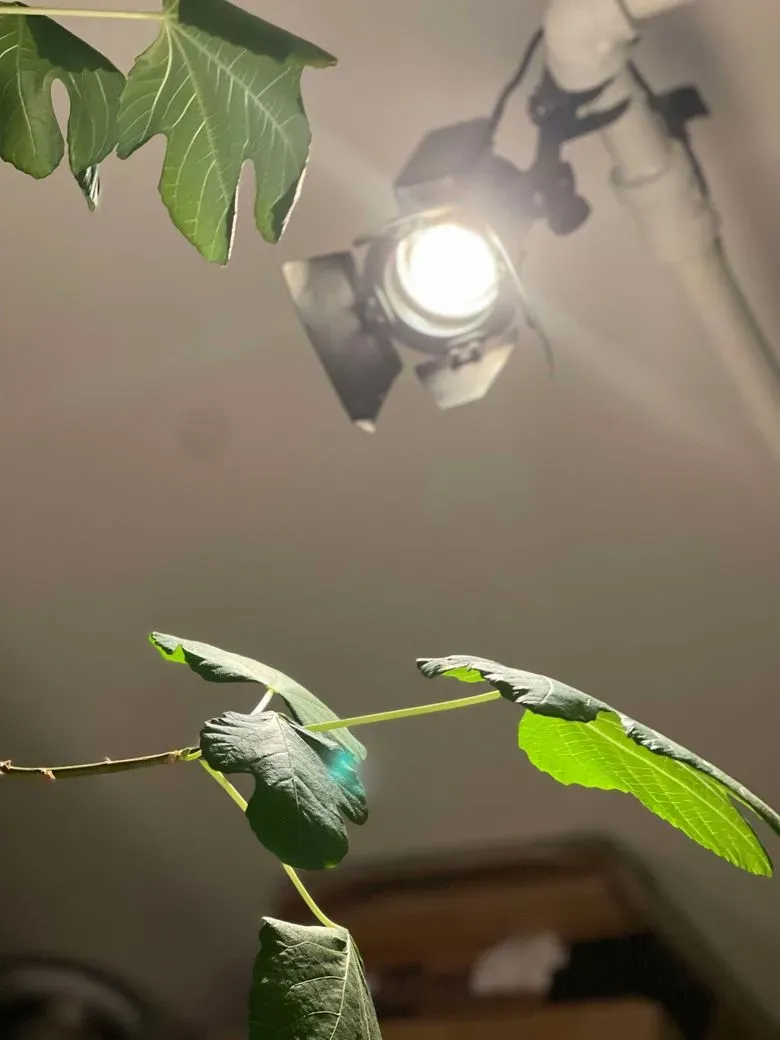
The little spotlights and LED uplight are not controlled by the entrance panel: see Lights section linked below for pics and instructions:
The main speakers are not loud enough
The main forward-facing QSC speakers are too low even though you're cranking Master 1 on the DJ mixer? Look at the little auxiliary volume control / splitter on the far right of the DJ stretcher: the left fader for the QSCs should be all the way up.
What's this third monitor on a pedestal?
It's for the drummer playing along with music from the DJ setup, but you can point it anywhere you need an independent monitor. It's fed from the "Send 1" bus at the top of each channel of the DJ mixer. Set to Pre-fader if you want it independent of the mix.
I'm not feeling the sub enough...
It's attached to the Master 2 output of the DJ mixer: first make sure that's up. If still not loud enough, adjust the little mono Denon mixer in the cinema sound rack: Ch2 is labelled DJ M2. You may need to adjust the Master of that mixer, labelled Sub Sum. That mixer should be left on at all times.
Shared projector
Projector control
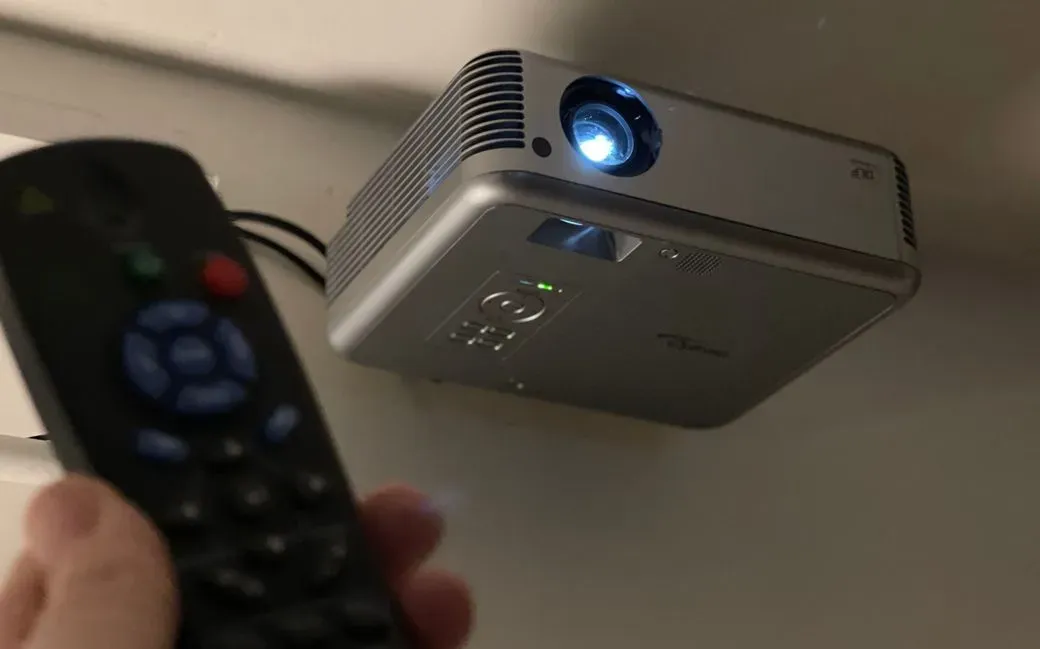
The remote should be on the shelf over the stove: power on and off with it. Do not unplug or remove power from the projector even after you've turned it off with the remote: it needs to run its fan until it cools down.
HDMI input
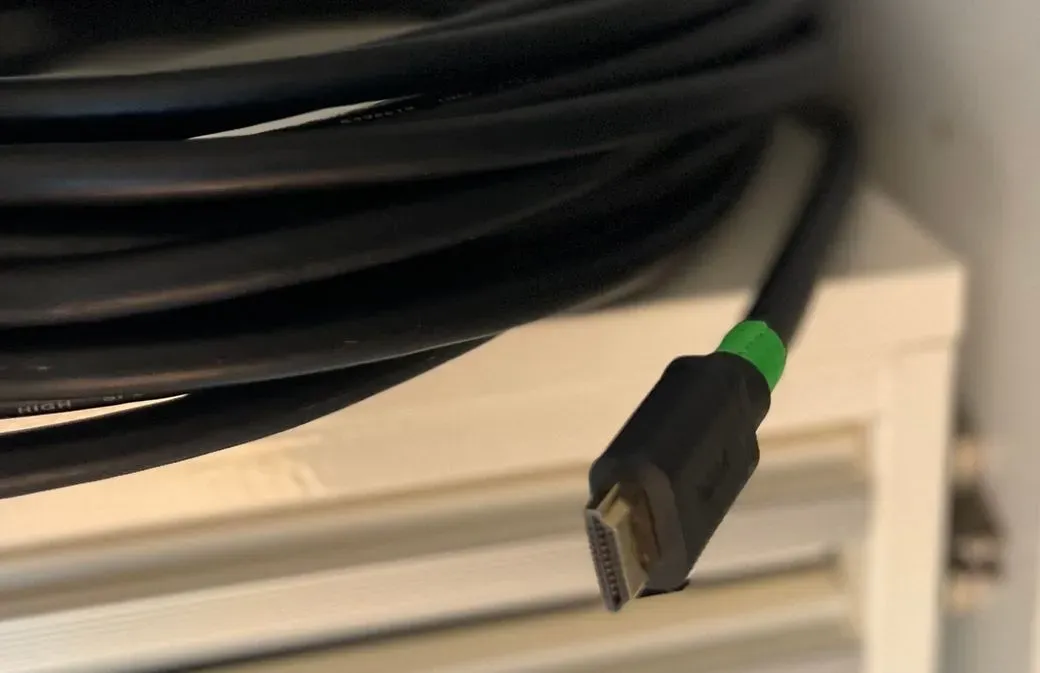
There is a super long HDMI cable that runs all around the room and arrives at the pillar near the rolling desk / DJ table. Plug it into your laptop.
Roll-up screen
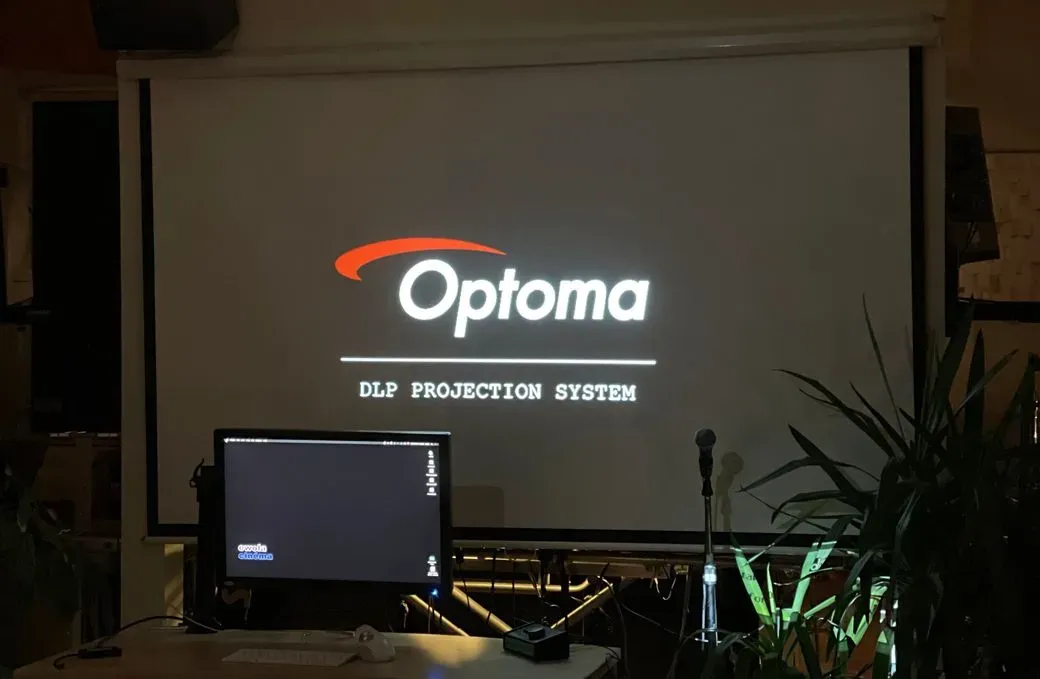
Available for general use: just roll the screen down in front of the DJ setup. The other screen (over the window) and central projector are not to be used without arrangement with Mark.